Home / Handwritten cards

HubSpot handwritten cards

Handwritten cards from HubSpot. Nobody picks up a pen.

Everyone agrees a handwritten card beats another email. Almost nobody sends them, because reps don't have the time. I set up HubSpot to mail real ink cards automatically, from the right rep, at the right moment, logged on the contact record.

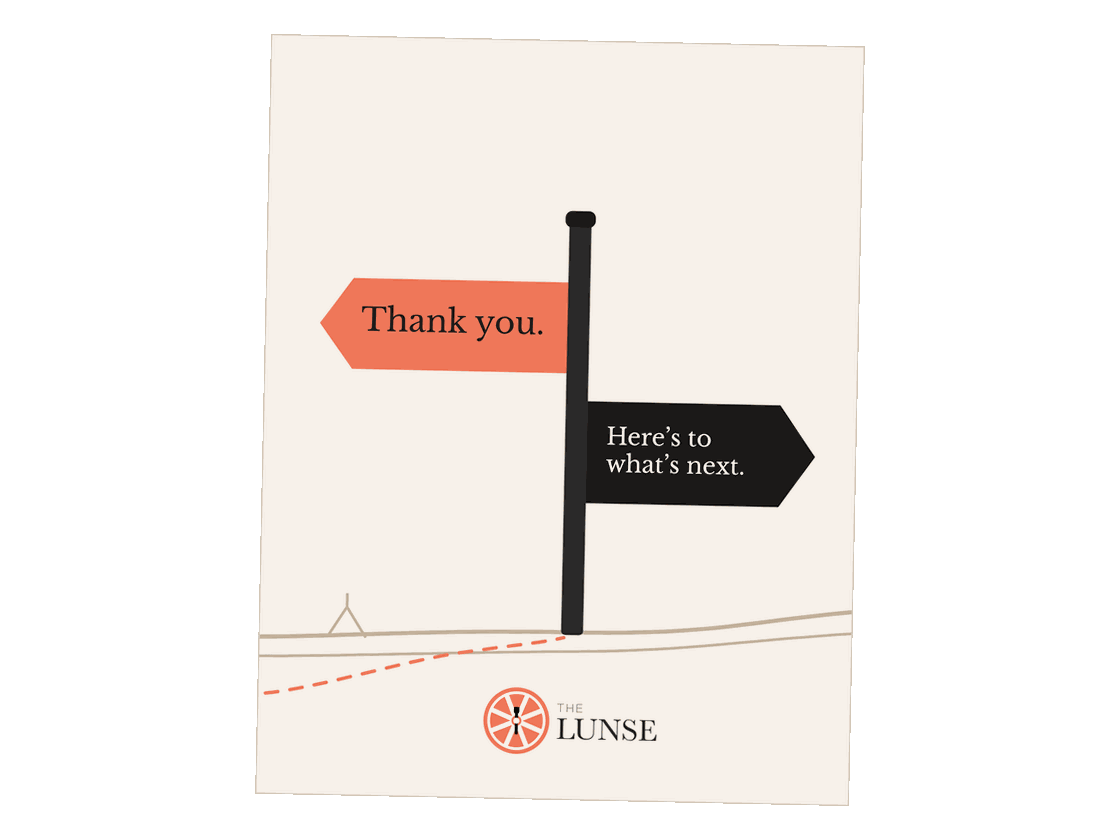
Front of The Lunse thank-you card: A signpost that reads Thank you and Here's to what's next

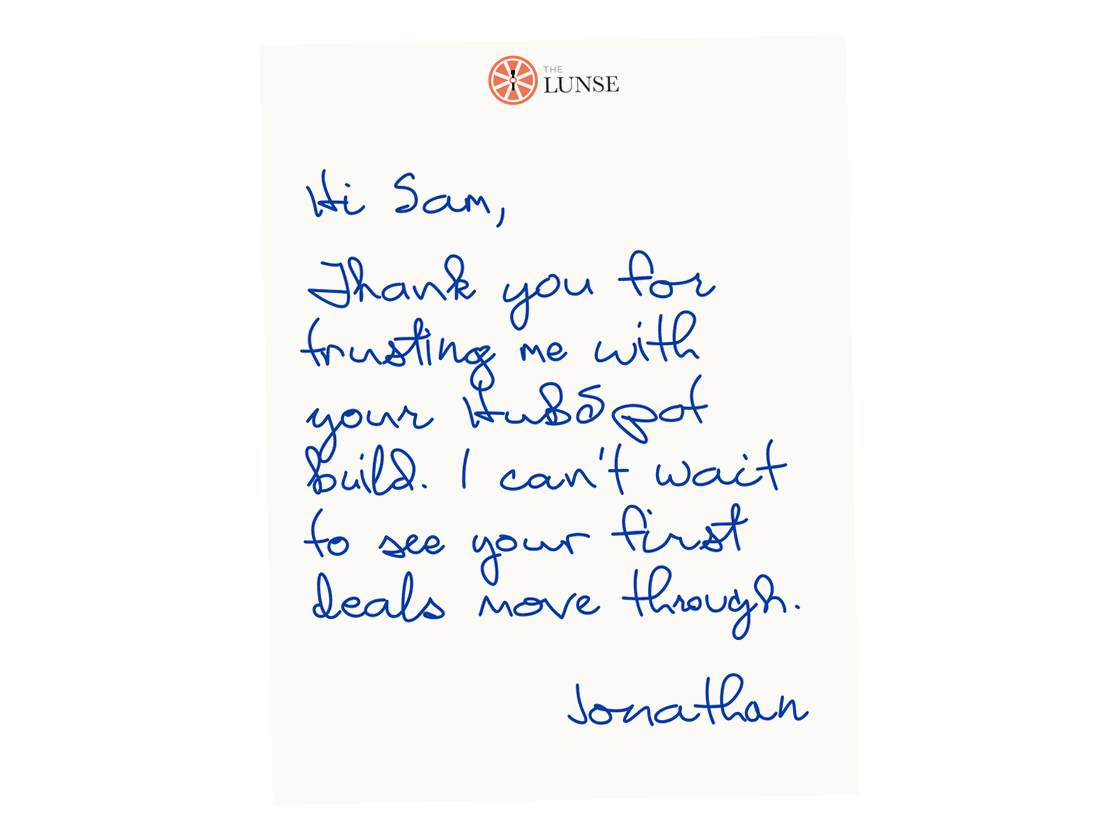
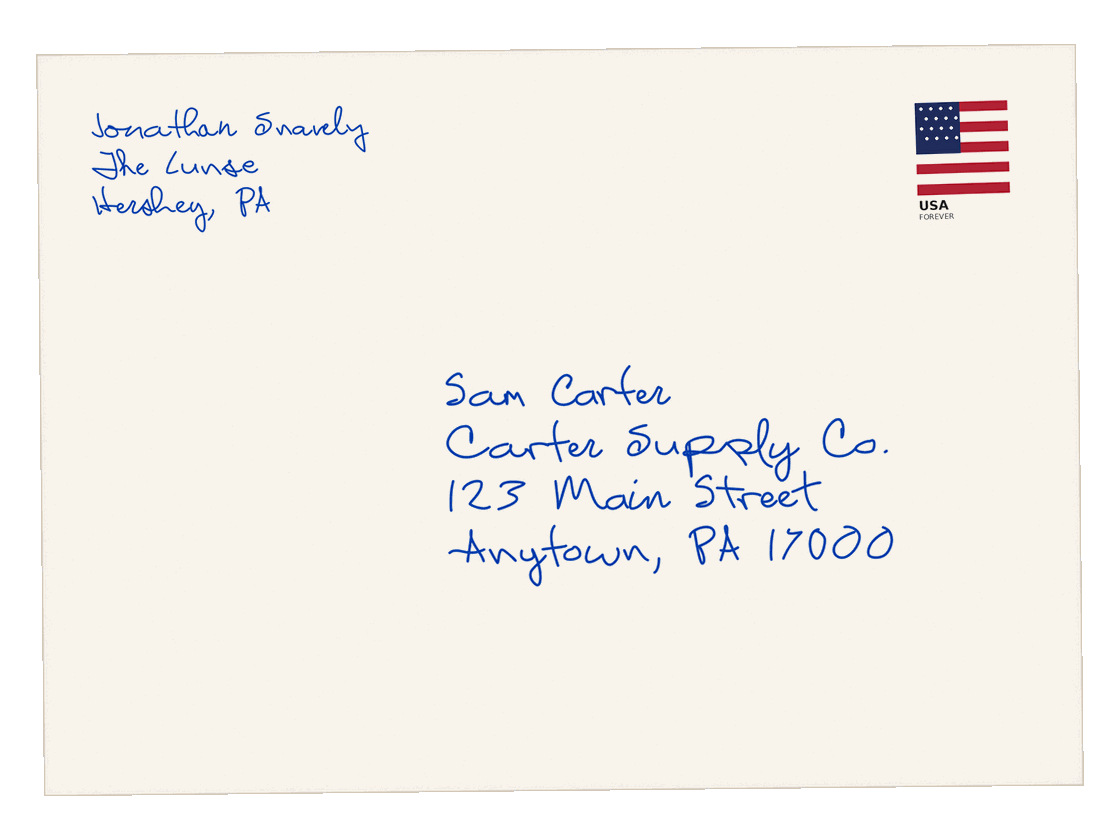
Front, inside and envelope. Rendered from my card design in Handwrytten's handwriting, with a sample name and address.

Quick answer

Can HubSpot send handwritten cards?

Yes. With the Handwrytten app connected, a HubSpot workflow can mail a card written in real ink when a deal closes, a date arrives or anything else HubSpot can trigger. I set it up, test it and train your team.

Sound familiar?

Why the cards never go out

  • The intent is there. The time isn't.
  • A rep closes a deal on Friday, and by Monday the thank-you is forgotten.
  • Holiday cards turn into a week of addressing envelopes.
  • Nobody can see who got a card, so nobody knows if it worked.

Four steps

How it works

  1. 1

    Something happens in HubSpot.

    A deal closes, a renewal date arrives, a referral partner sends a lead.

  2. 2

    HubSpot picks the sender.

    The card comes from the deal owner, with their name and their return address.

  3. 3

    Handwrytten writes and mails it.

    Real ink, a real stamp. In my own tests, about a week from trigger to mailbox.

  4. 4

    It shows up on the record.

    The send logs on the contact's timeline with the message and the cost, next to their emails and calls.

The plays

Start with one play

I set up one play first, so you can see cards go out and hear what people say. Add the next one when you're ready.

Where I'd start

Closed Won thank-you

A card from the deal owner right after the deal closes. The easiest one to prove.

Holiday cards

One send to your customers, personalized for each contact, without a week of envelopes.

Closed Lost check-in

A personal note a few months after a lost deal, when the timing may have changed.

Referral partner thank-you

A card when a partner's referral turns into a deal.

What you get

What the setup includes

Setup and your first play: Fixed fee from $950. Scoped in writing before anything starts. Cards are billed separately by Handwrytten.

  • A readiness check: Your HubSpot plan and how many contacts have mailing addresses
  • The Handwrytten app connected to HubSpot, with your defaults and sending rules
  • One play built as a HubSpot workflow, with cards sent from each owner
  • Home or office address logic, so the company line only prints when it should
  • An address form your team can send, and a task when an address is missing
  • Your card, built in Handwrytten's card designer with your logo, or from your designer's art
  • Test sends before anything goes live
  • A recorded 30-minute training and a one-page how-to
  • 30 days of tuning after go-live, then a review of what was sent and what's next

Addresses

No mailing addresses? That's normal.

Most HubSpot portals don't have them. I've been there in my own. A card can't go out without one, so every setup includes a short address form. Then we pick the way to fill the gaps that fits your team:

One email to everyone

A single send asks your contacts to confirm where cards should go. Best when you have a big list and the relationship is with your company.

From each rep

Reps drop the link into their own email. Best when the relationship is with the rep, like a new customer right after the deal closes.

Either way, the form updates the contact record for you. And if an address is still missing when a card is due, HubSpot creates a task instead of sending.

The card

About the card itself

I'm not a designer, and I won't pretend to be. Most clients go with a clean branded card: Your logo and colors on a card built in Handwrytten's own designer. If you have a designer, I'll use their art. Either way, you approve the final card before anything sends.
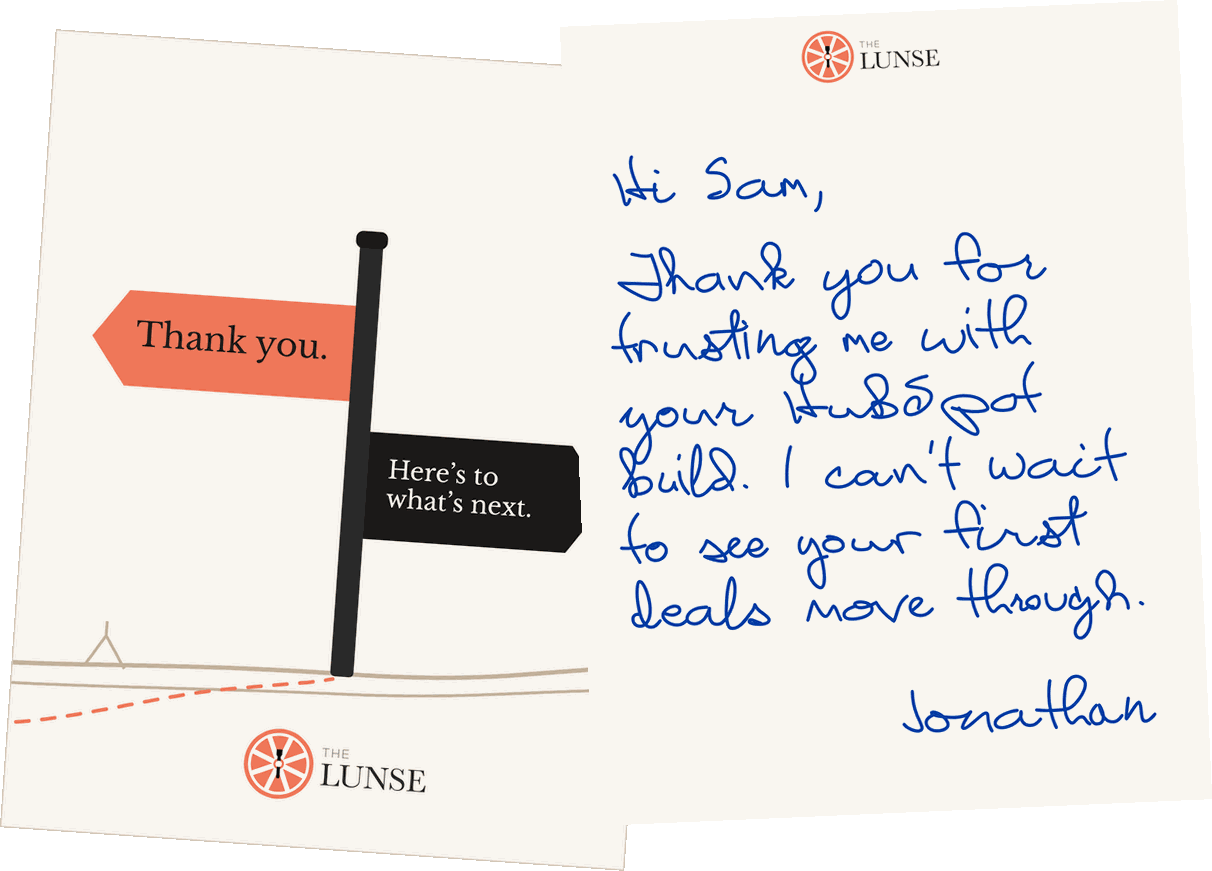
The Lunse card: The front with a Thank you signpost, and the inside with a handwritten note to a client

Who does what

Powered by Handwrytten. Billed by them, not me.

Handwrytten writes and mails the cards. Their app connects to HubSpot, and it's the one I use in my own portal. Cards bill to your company card at Handwrytten's published prices. I don't mark them up. My fee covers the setup inside HubSpot, and if we ever part ways, the Handwrytten account goes with you.

In my own portal

I run this in my own portal

A HubSpot workflow in my own portal sends these cards. Same app, same steps, same address logic I'd build for you.

“Jonathan saved me lots of time, energy, and errors customizing HubSpot to meet our needs. I was able to stay focused on preparing for our launch while Jonathan implemented the build and guided the integration process.”
Amy B., Founder, Shining Light Fitness

Questions people ask

Questions about handwritten cards

Ask me anything on the call, too.

Jonathan Snavely

Jonathan Snavely
Answers from the person who does the work.

Book a free intro call

Before you start

What HubSpot plan do I need?

Automated sends run on HubSpot workflows, which need Professional or Enterprise. Not sure what you have? I'll check on the intro call.

What does it cost?

Setup starts at $950. It's a fixed fee, scoped in writing before any work starts, and it covers your first play, test sends, training and 30 days of tuning. Cards are billed by Handwrytten to your company card at their published prices, with no markup from me. When you want another play, I'll price it in writing before I build it.

Who sets up the Handwrytten account?

I do, as part of the setup. You add your company card yourself, and I only ever see the last four digits. If your company doesn't share logins, tell me on the intro call. There's another way to do it.

About the cards

Are the cards really handwritten?

They're written in real ink by Handwrytten's pen robots, then stamped and mailed. They don't look printed, because they aren't.

How long until a card arrives?

In my own tests, about a week from the trigger to the mailbox. For holiday cards, we set a cutoff date together.

Can cards come from each rep?

Yes. Cards can come from the deal owner, with their name and return address.

Will I see what was sent?

Yes. Every workflow send logs on the contact's timeline with the message and the cost.

Free intro call

See if it's a fit

Thirty minutes. No cost.

30 minutes on Zoom. We'll look at your HubSpot plan, pick the first play and talk through addresses. If it's not a fit, I'll tell you, and it's okay for you to say the same.

Free intro call30 minutes on Zoom with Jonathan
Free
  1. 1

    Pick a time

    Choose a slot that works. You'll get a calendar invite with the Zoom link.

  2. 2

    Answer a few quick questions

    Your HubSpot plan, the card you'd start with and about how many cards a year. Most are one tap.

  3. 3

    Bring your team if you like

    Just let me know who's joining.

Rather write it down? Send a note

Book your call

Calendar not loading? Open my calendar.